If you’ve read my blog before, you know I have a home server with a public IP address from my broadband, and I’m running a few virtual machines. I often remotely connect to my Windows VM at home via Remote Desktop for work, but today I noticed the domain that was previously resolved via DDNS hasn’t been updating. I can’t remote in or access the web console—clearly, something went wrong with the DDNS service.
Last night, I lay awake again, tossing and turning, wondering if I’d have to ask my neighbor’s daughter to connect to my WiFi and send me her new IP (troubling her again), or if there was some service that could let me see my modem’s public IP:
- First, I thought of contacting the broadband technician (I’d bothered him once before), but this time he said their operations platform changed and he no longer has access to view it.
- DDNS on the modem itself? As a backup, I had configured the Sunflower DDNS on the modem, but it didn’t work—every time it showed success
 , the update simply didn’t go through.
 - China Telecom app—no luck, tried it and couldn’t find anything. And yeah, I even have my Mi smart plug (the one I use for the server’s remote power cycling), but it only shows the internal IP address…
The Cause
What should I do? Oh my, could the network be down? Did Jerry break it? Was the cable loose? No, that doesn’t make sense—if the network were down, the plug wouldn’t show status either. Clearly the modem and the wireless router are working fine.
So what’s going on? Why did the DDNS service just break? What did I do before? I was questioning my life choices. Changing domains… Oh, I remember now—I rotated the Cloudflare DNS API key last time. That must be it. I deleted the old ddns-go container and redeployed it by updating 1panel, which wiped the previous configuration. I hadn’t touched anything on my homelab for a while and did a general update and maintenance, so that’s where the problem was. But I still didn’t know my public IP—was there really nothing I could do? Was my neighbor’s daughter going to be my only solution???
Wait
Wait, last time I set up Synology to sync my openlist, and it calls an API—there should definitely be logs. Oh~~~ I’ll boot up the server, check the latest logs, and I’ll be able to see the most recent request IP. Hahaha.
Wait, doesn’t openlist have no call logs? Wait, how did I set this up again? openresty reverse proxy, oh oh oh—let me check the logs. Sure enough, there are matching call logs.
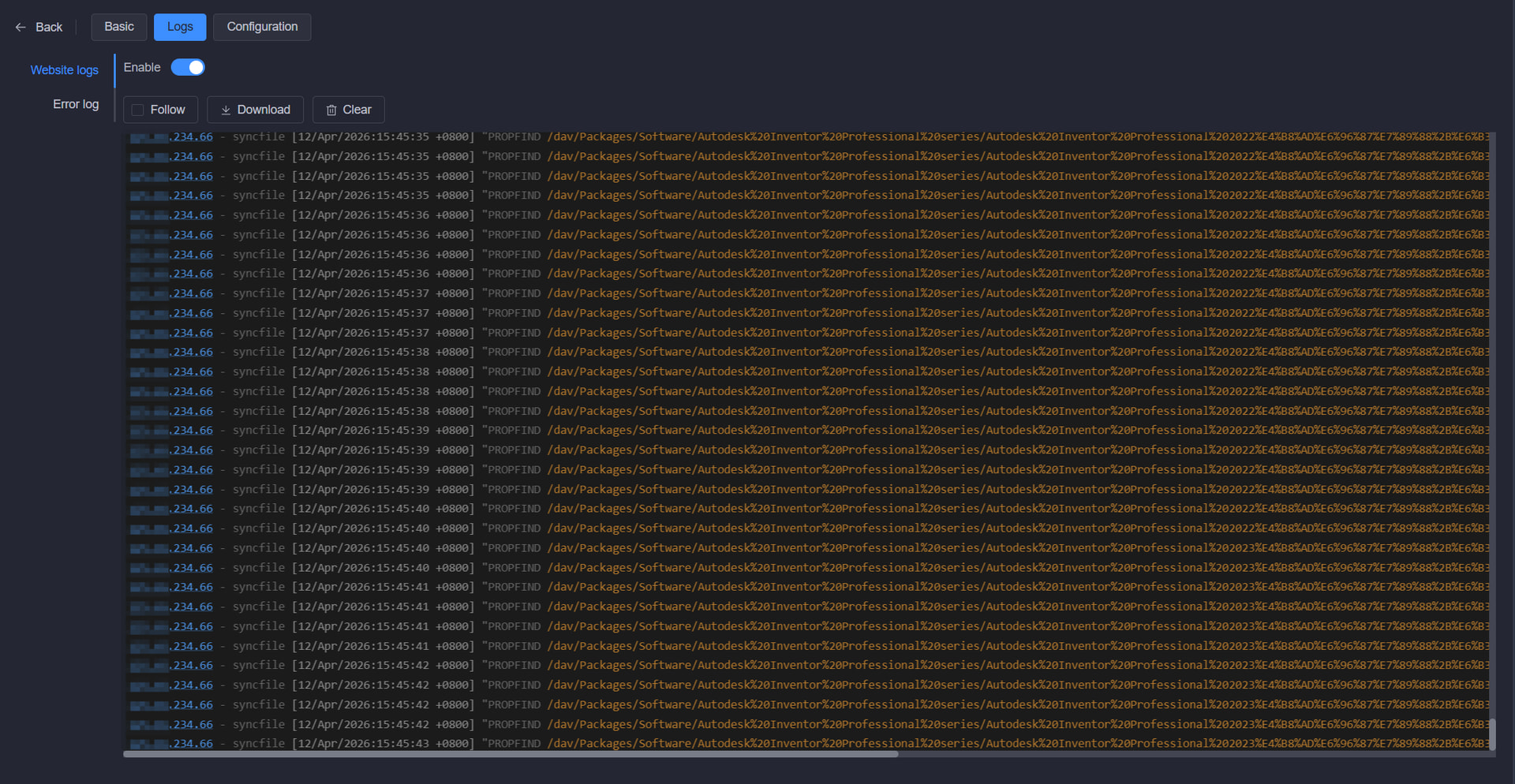
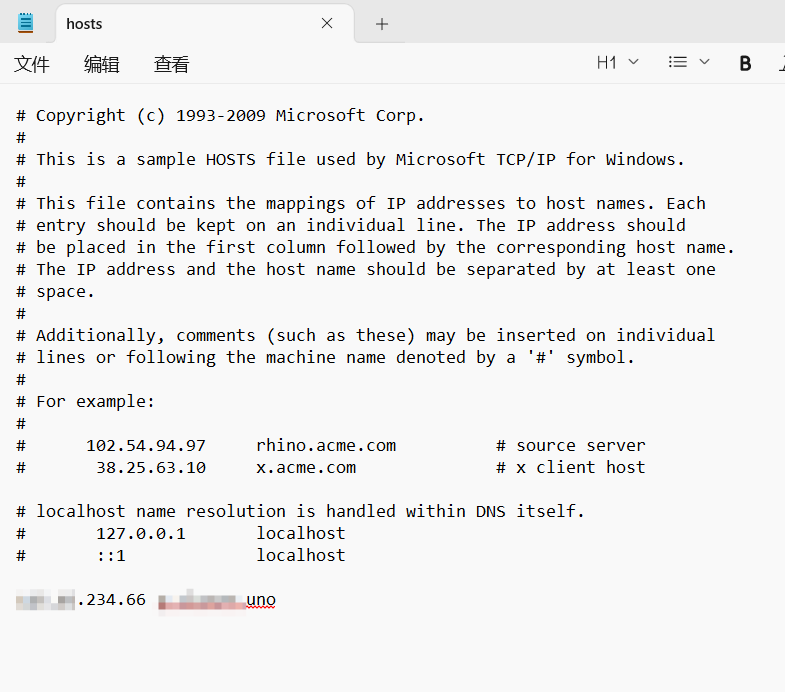
From there, it’s pretty straightforward—resolving the web console domain locally. Sure enough, thumbs up!
Let’s check DDNS-GO’s status via RDP.
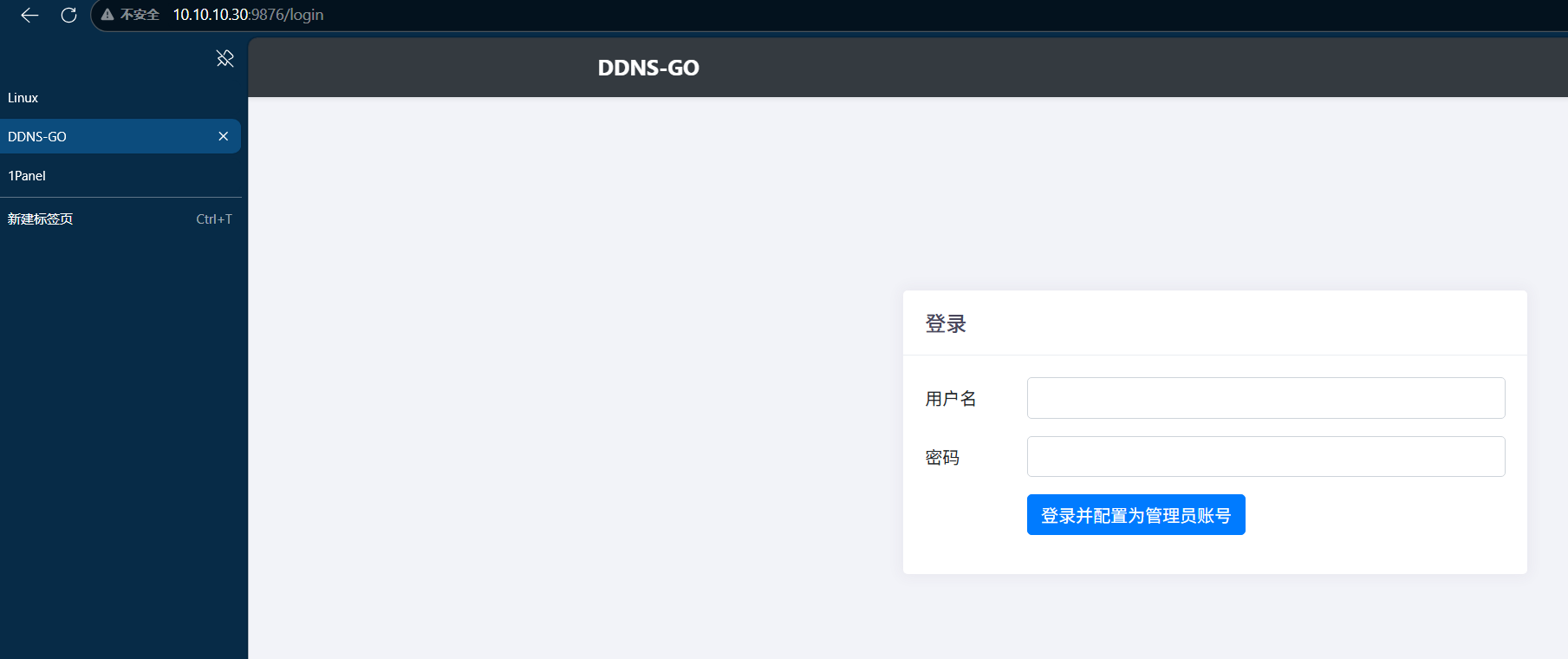
No account was even set up—apparently I forgot to configure it back then. I was thinking the Cloudflare API was blocked in China (in some regions, seriously).
Anyway, the internet leaves traces. Even though I blurred out my public IP and domain, smart folks could probably figure out which domain I’m talking about, and naturally find my IP address, home location, open ports, and what services are running. That’s not even the scary part—the real problem is not realizing someone could find all that out about you.
That’s all for this post. If you spot any mistakes, please let me know! Drop a like if you enjoyed it! What do you want to say? 