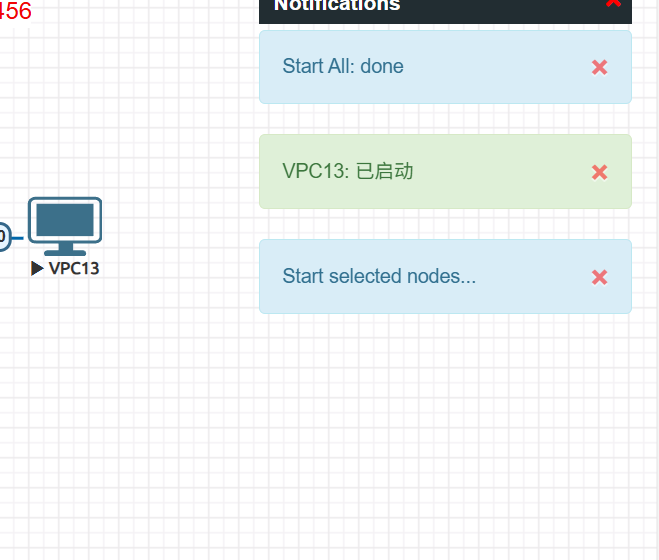
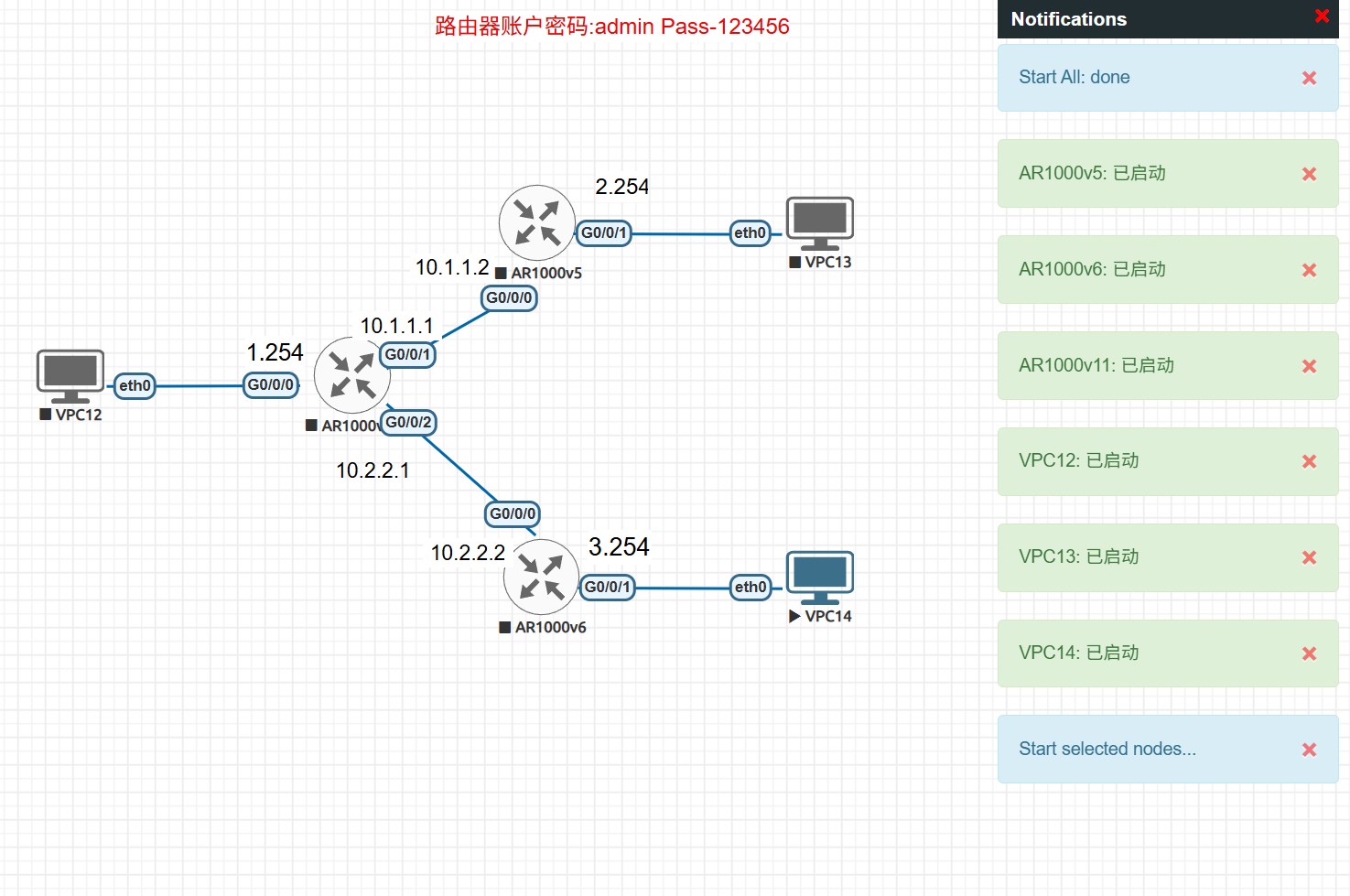
When practicing hands-on labs using the EVE-NG virtual machine, I encountered an issue: when selecting multiple devices to start simultaneously, some devices fail to boot, yet a popup indicates they have already started, as shown in the figure.
Solution
- First, refresh the web page and wait a moment. If the problem persists, it may be a server issue—restart the server and check whether it resolves the problem.
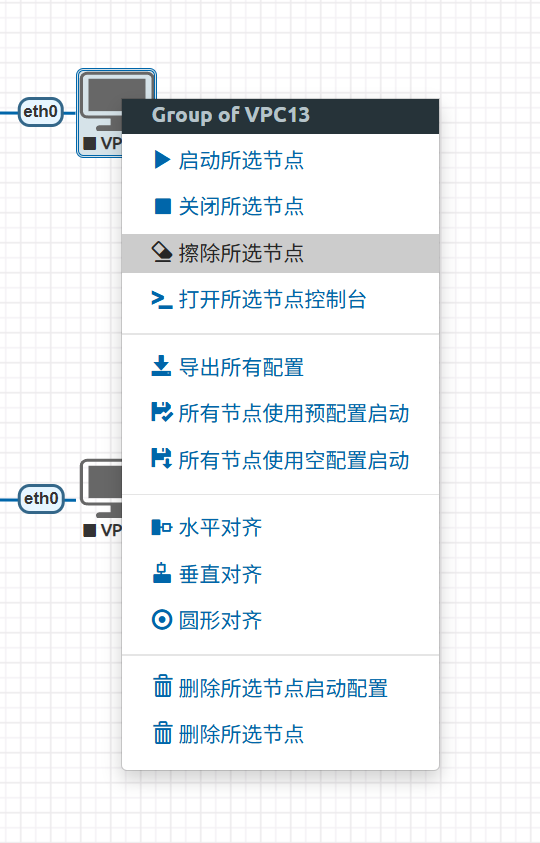
- If the above steps do not work, left-click to select the device(s) that failed to start, then right-click and choose Erase Selected Nodes (this operation will not erase any configuration related to the virtual devices).
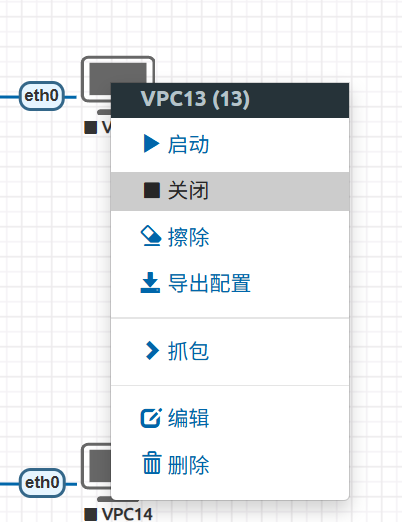
After erasing, simply right-click and select Start.
If the device still fails to start, right-click to Stop it first, then right-click to Start again. This should resolve the issue.