Introduction
Haven’t updated in a while. Between school and everything else, it’s been a long time since my last post. Sorry everyone!
Anyway, let’s get back on topic. Today I stumbled upon an old piece of tech at home:
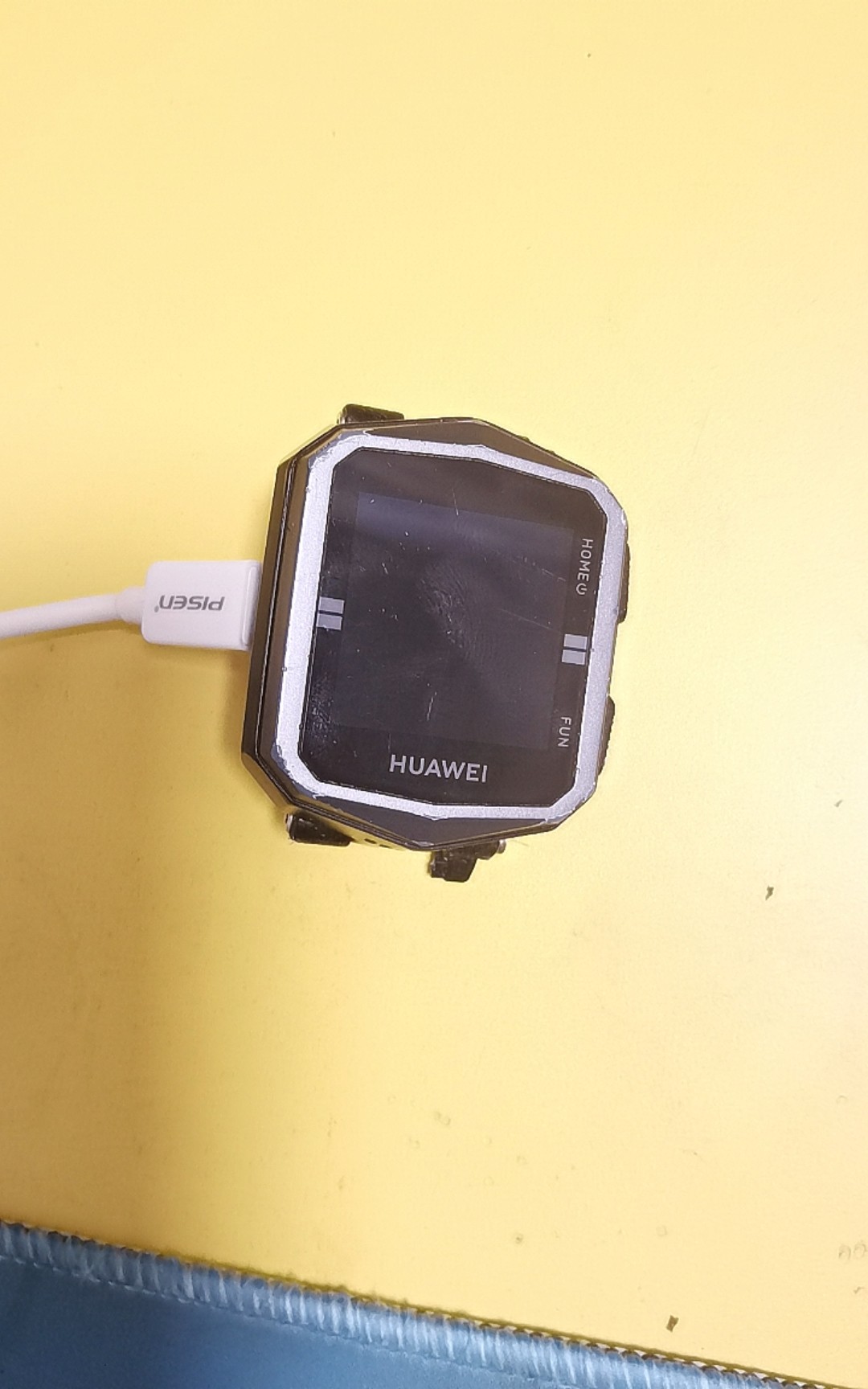
Yes, a seriously vintage watch — and today, I’m going to try cracking it.
Hands-On
Hacking Targets
- Enable and successfully access ADB debugging
- Freely install custom apps
- Unlock the BL lock and gain Root access
Materials Needed
- A brain
- A Huawei Kids Watch 3X
- Android Watch ADB Toolbox (or WearOS)
- A USB cable (make sure it supports data transfer, not just charging)
- MT Manager installed on your phone
Let’s Get Started
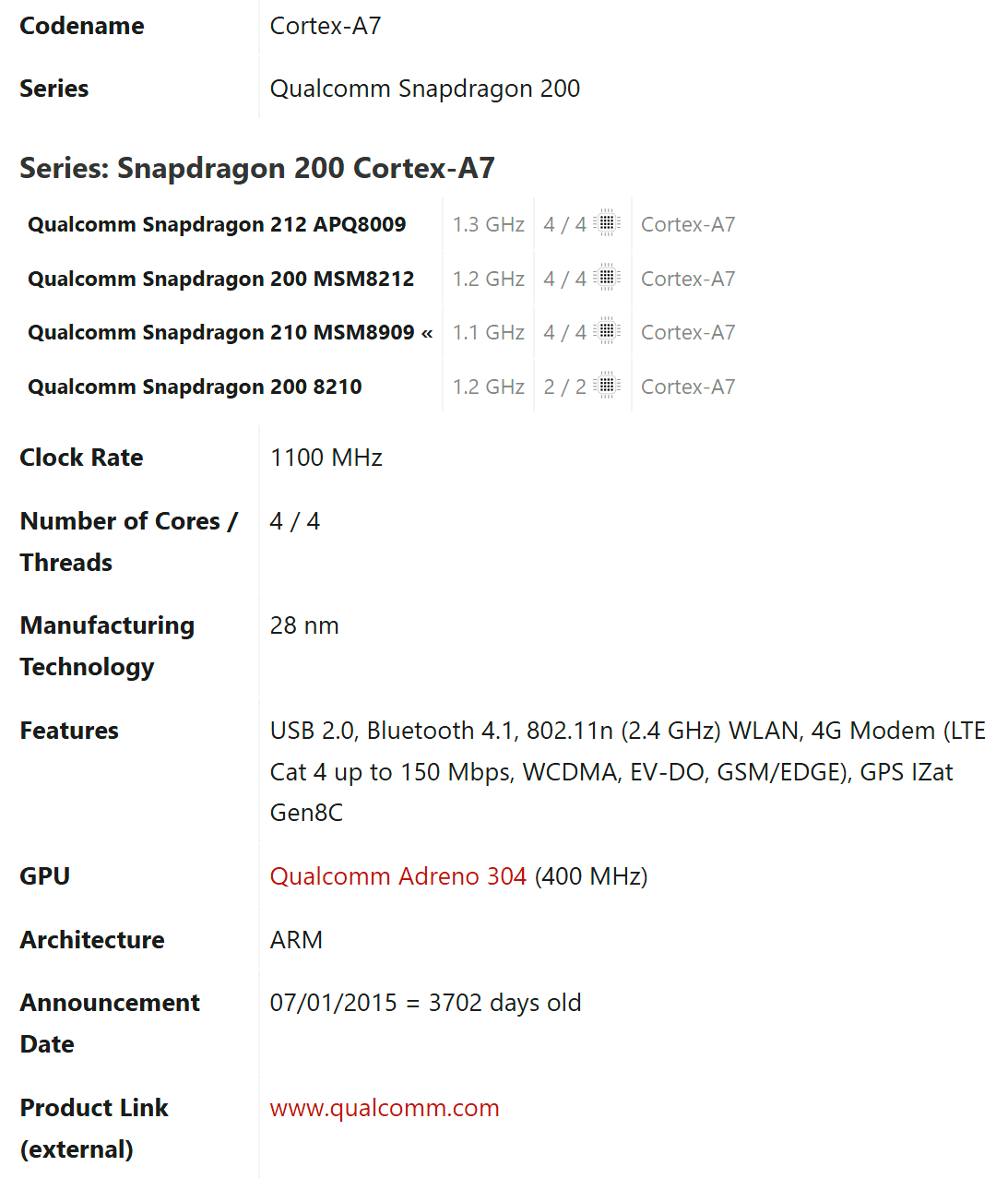
- As usual, let’s first check the watch’s CPU brand and Android version.
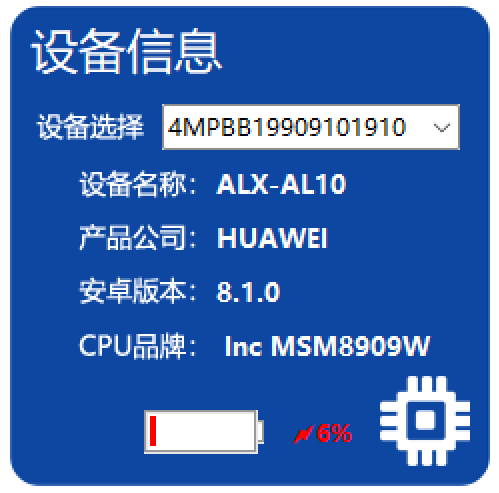
This CPU is quite old — over 3,700 days old.
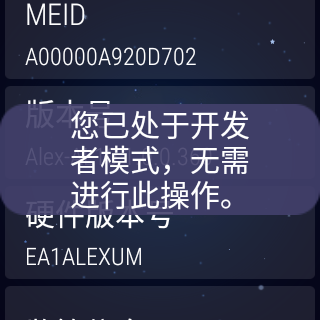
- Open Settings, tap the Build Number repeatedly to enter Developer Mode.
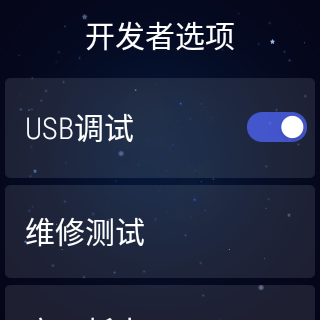
- Open the Android Watch ADB Toolbox (hereafter referred to as the ADB tool). On the watch, select PTP mode, allow USB debugging, and once you see this screen, you’ve succeeded.

With that, our first target: enabling and successfully accessing ADB debugging is checked off  . Let’s move on to the next goal.
- Open the ADB tool and adjust the DPI for easier operation. (I recommend setting it to 200.)
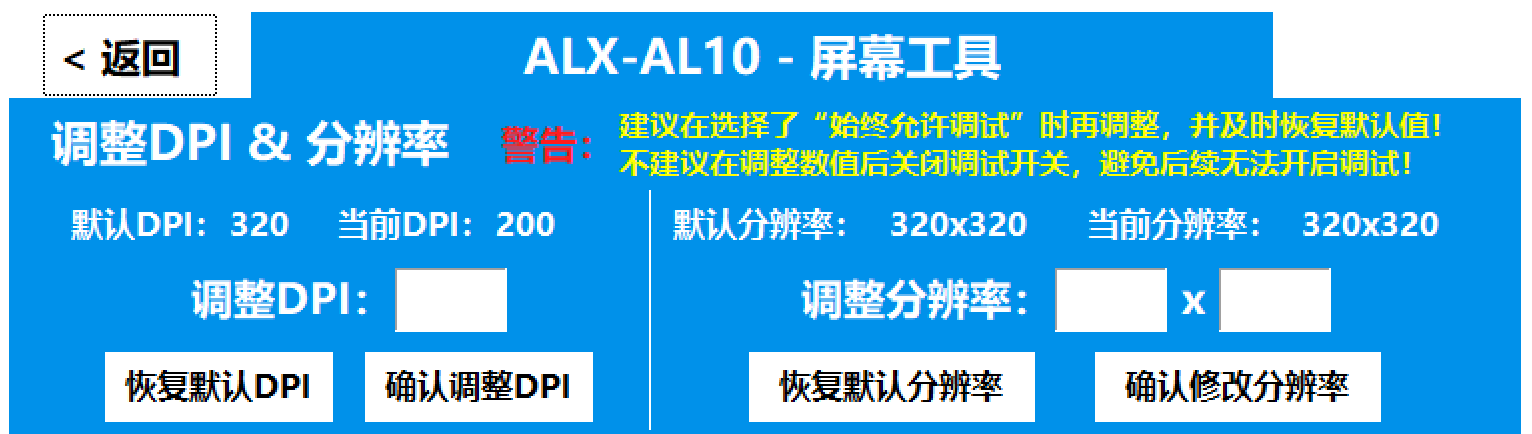
-
Open your browser and visit this link to download the app (I already downloaded it, so I won’t demonstrate that step).
-
Choose the option to install a custom APK, select the file, and install.
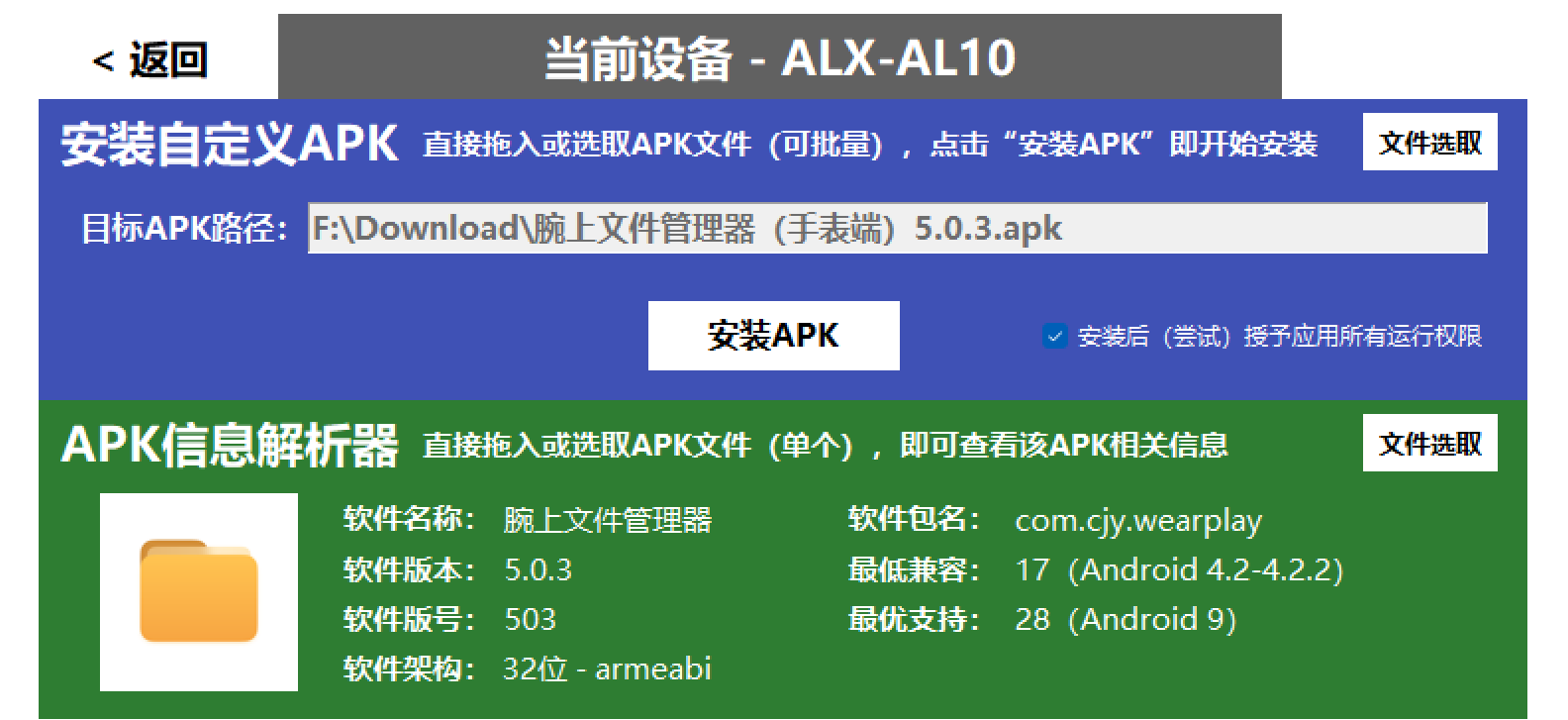
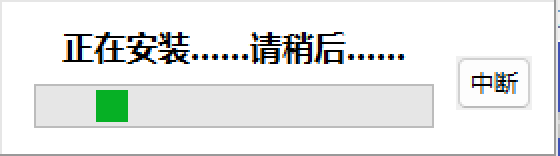
- Oh man! It failed!!!
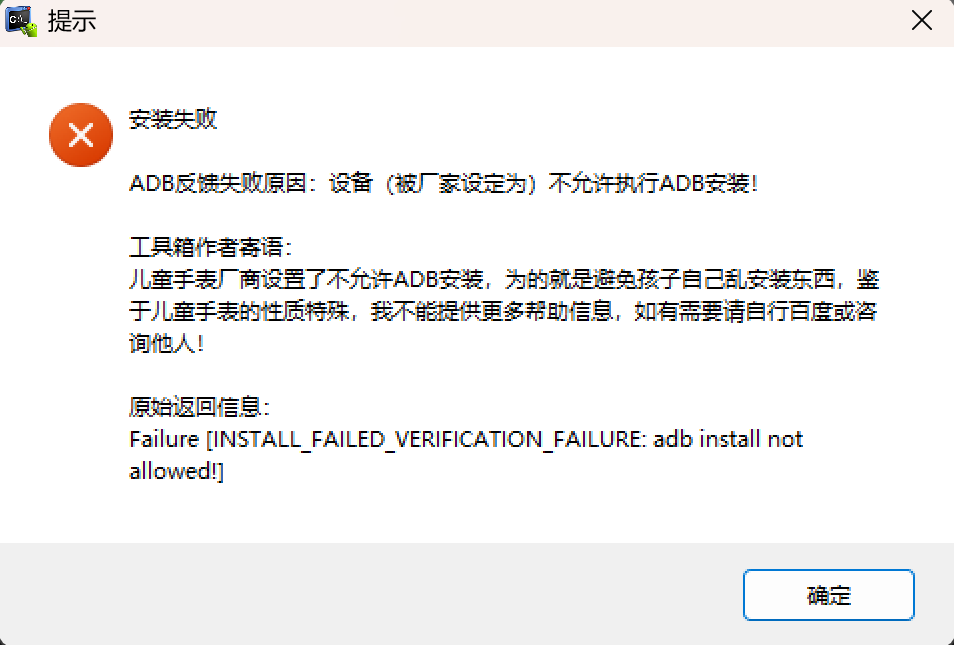
- Why did it fail? That’s where the MT Manager I told you to install comes in handy. Let’s take a look at the APK!
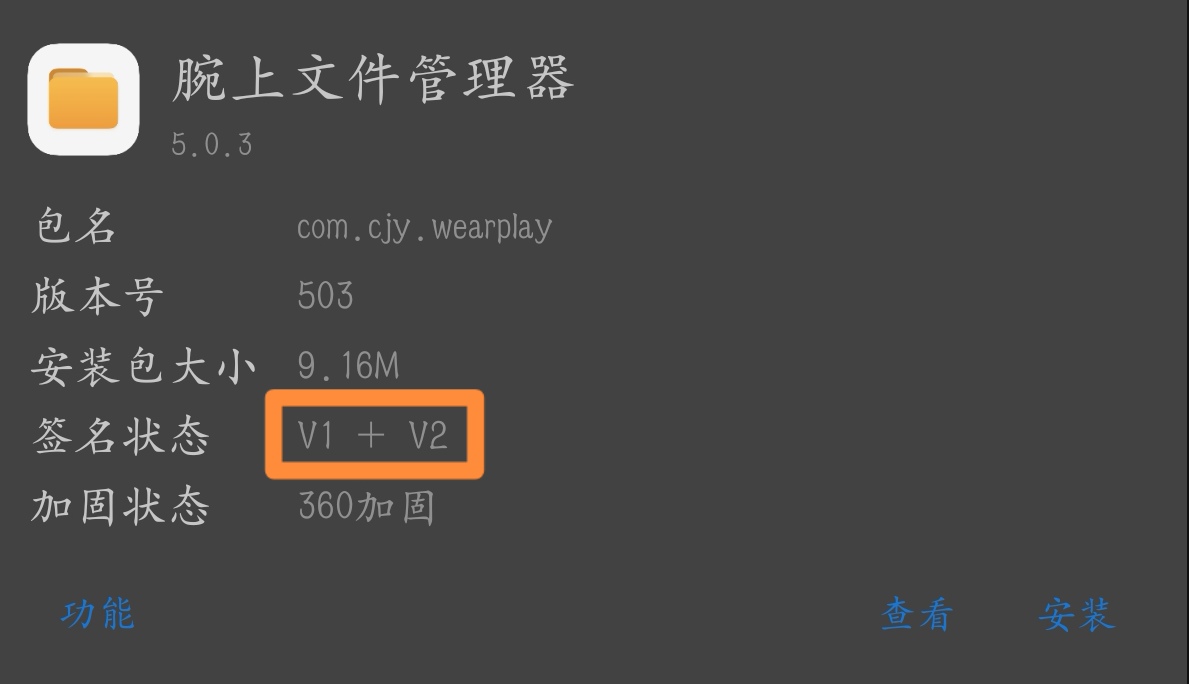
There’s the problem. Huawei engineers have restricted installations with install formats before V1. We simply need to change it to V2, V3, or V2+V3 — any one of them works.
- Reinstall.
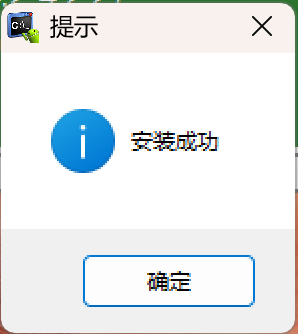
- Open the watch to confirm.

- App test.
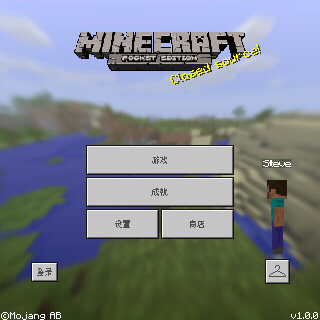
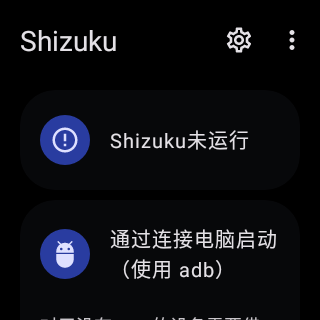
With that, our second target: installing custom apps is also checked off . On to the next goal.
- Reboot the ADB into fastboot mode.
adb reboot fastboot
Unfortunately, it failed. The BL lock can’t be unlocked — I’ll need to spend more time figuring this out…