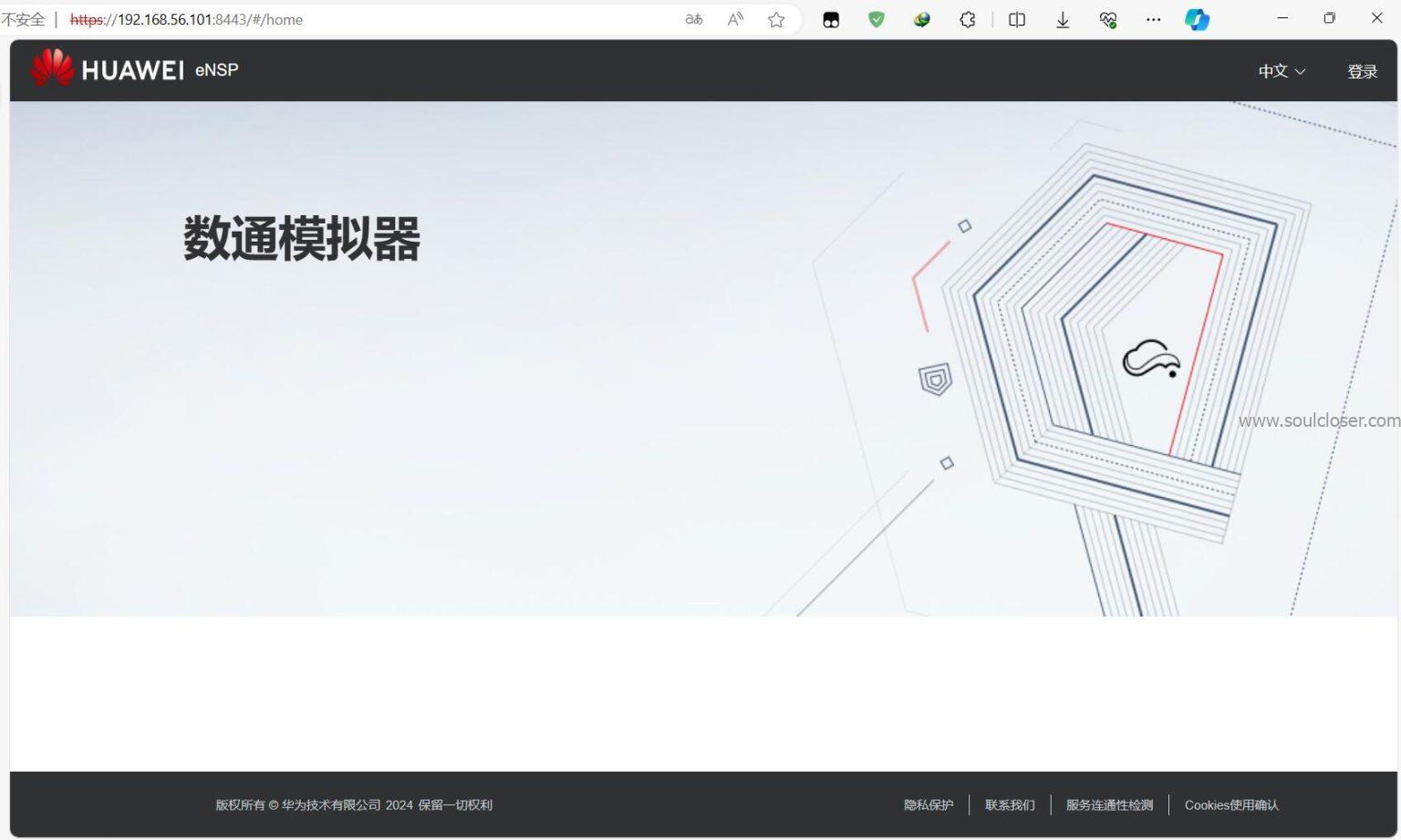
eNSP is a free, extensible, graphical network simulation tool platform provided by Huawei, primarily offering software simulation for enterprise network routers and switches. It realistically replicates actual devices and supports large-scale network simulations, giving Huawei technology enthusiasts the opportunity to practice and learn networking skills even without access to real hardware.
Just a few days ago, the latest eNSP Pro was released—it’s usable with any Huawei account. After waiting three long years, we finally have it. Many friends faced installation hurdles due to computer version issues, which delayed their learning. The new eNSP version strips away many extra components, requiring only two minutes to install, though it does consume considerable memory. Now that it’s playable, let’s get started~
Download and Install Tutorial for Huawei eNSP Pro Network Simulator (Detailed Illustrated Guide) | BOBO Blog (soulcloser.com)
Comments on the article are linked to this post. Feel free to discuss any questions in the comments section