This app lets your introverted friends dance and sing! Here’s how to use it:
Step 1: Prepare Your Materials
Get photos or close-up pictures of your friends ready—make sure they’re clear! (Important: Always get permission first, otherwise it’s quite rude!)
Step 2: Find the App
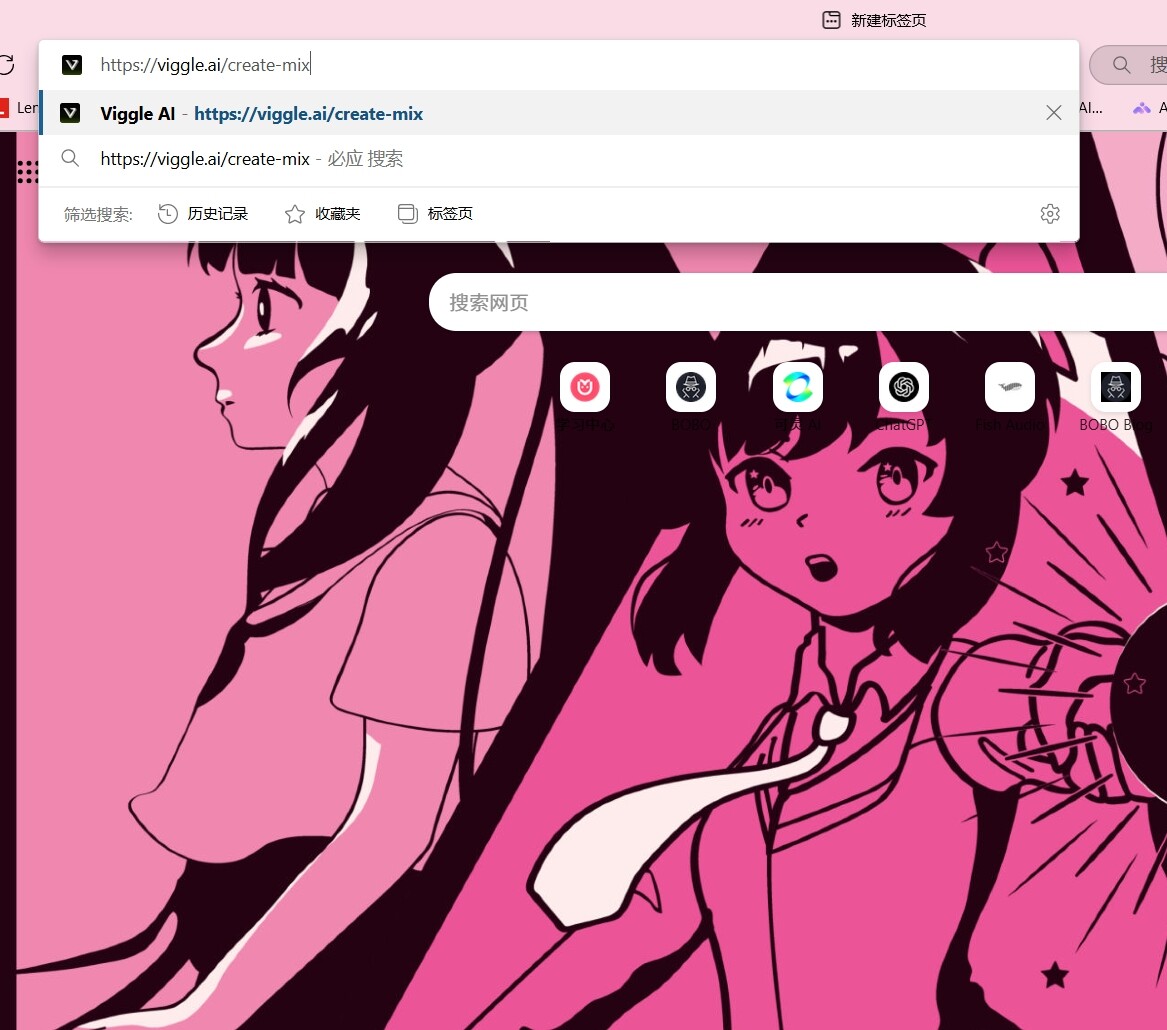
You’ll need a little magic, you know what I mean  . Open the following link:
Or simply search for viggle ai.
Step 3: Enter the Page
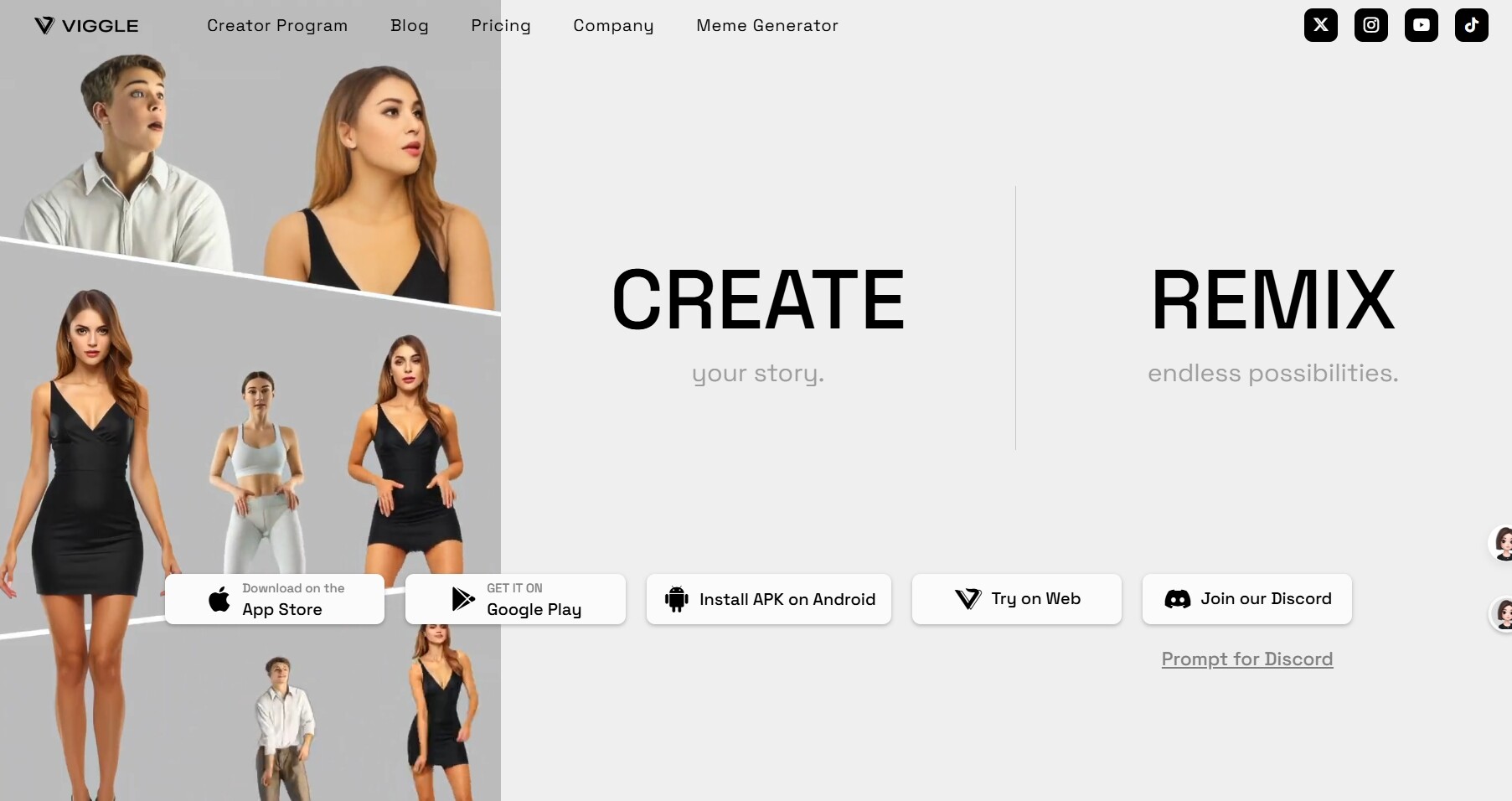
Once you’re on the page, choose a sign-in method or download it directly:
Step 4: Upload Your Materials
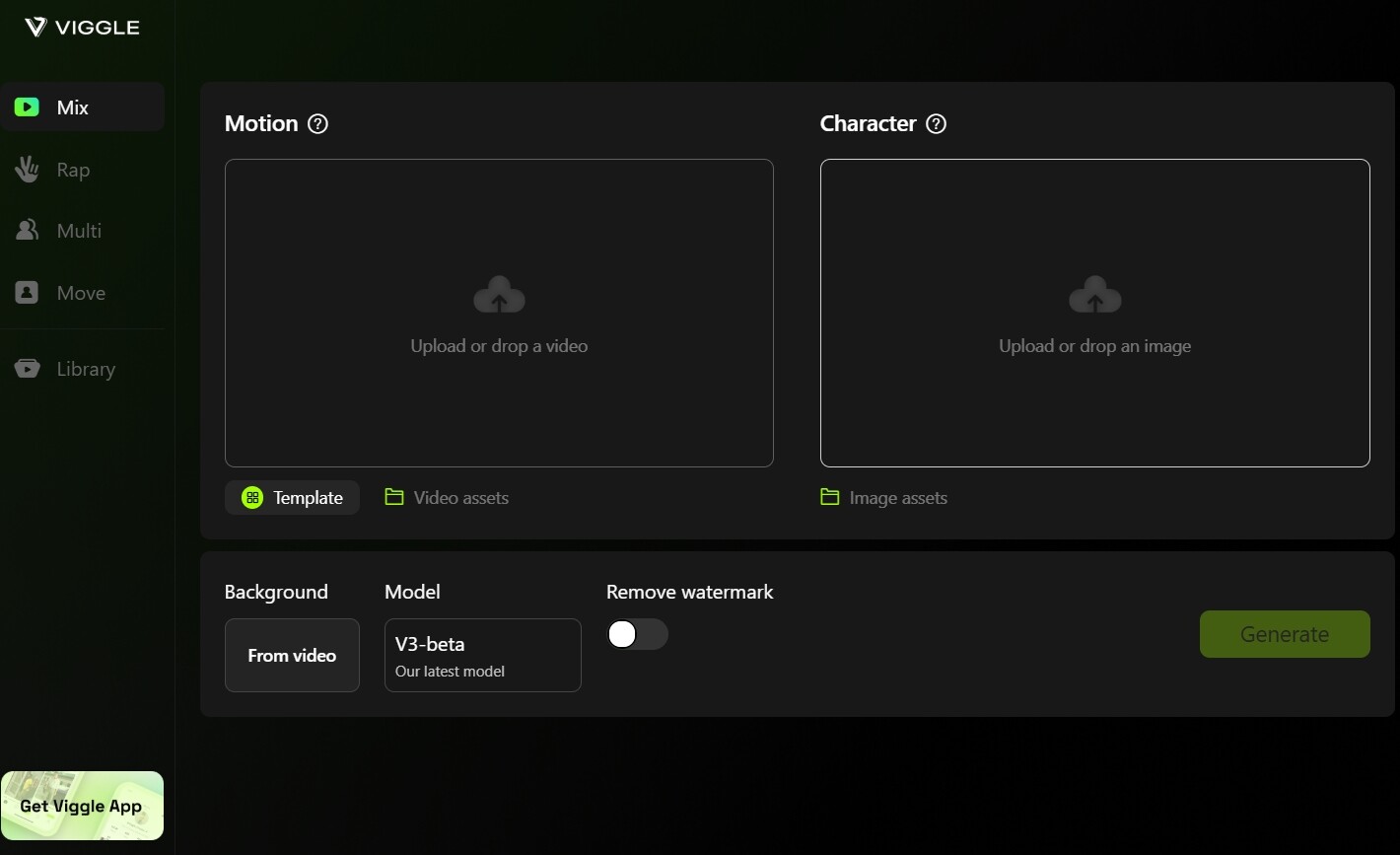
Drop in your friends’ photos and videos:
- The first larger box is for video footage
- The second one is for photos
Step 5: Generate the Video
Click the generate button and wait a few minutes. The person in the video will turn into your friend! 
Finally, click the button in the bottom-right corner. Note that the audio stays the same—only the video character changes. If you want the character’s voice to change too, stay tuned for my next post where I’ll share a free AI voice-cloning software 